Your Mining Infrastructure, Under Control
Web-based management interface for your mining infrastructure. Configure Docker containers, manage servers, view logs, and keep everything updated — all from your browser.
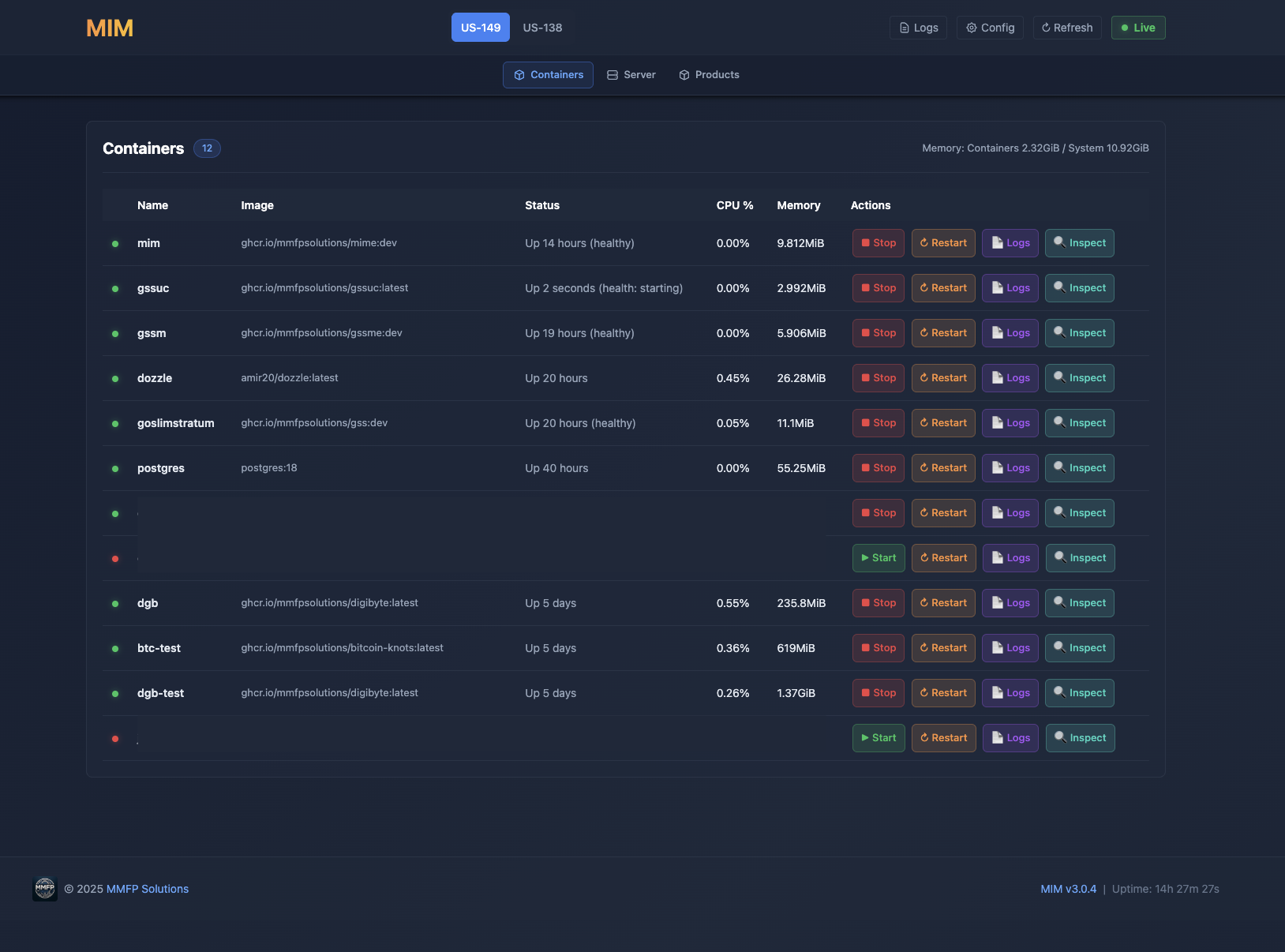
Everything you need to manage your mining infrastructure from a single web interface.
View, start, stop, restart Docker containers. Inspect container details, resource usage, and status.
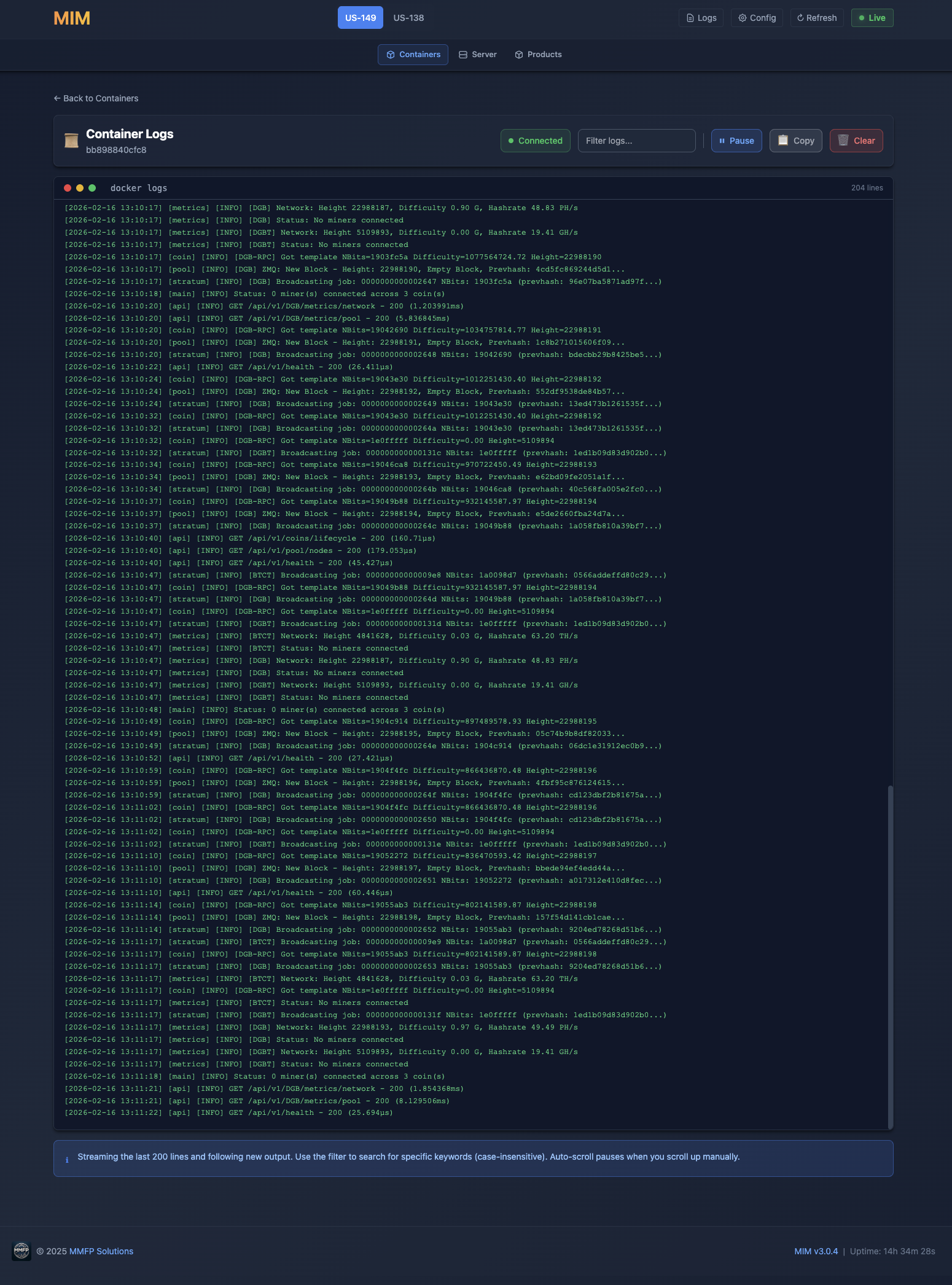
Real-time log streaming for all containers. Filter and search through logs.
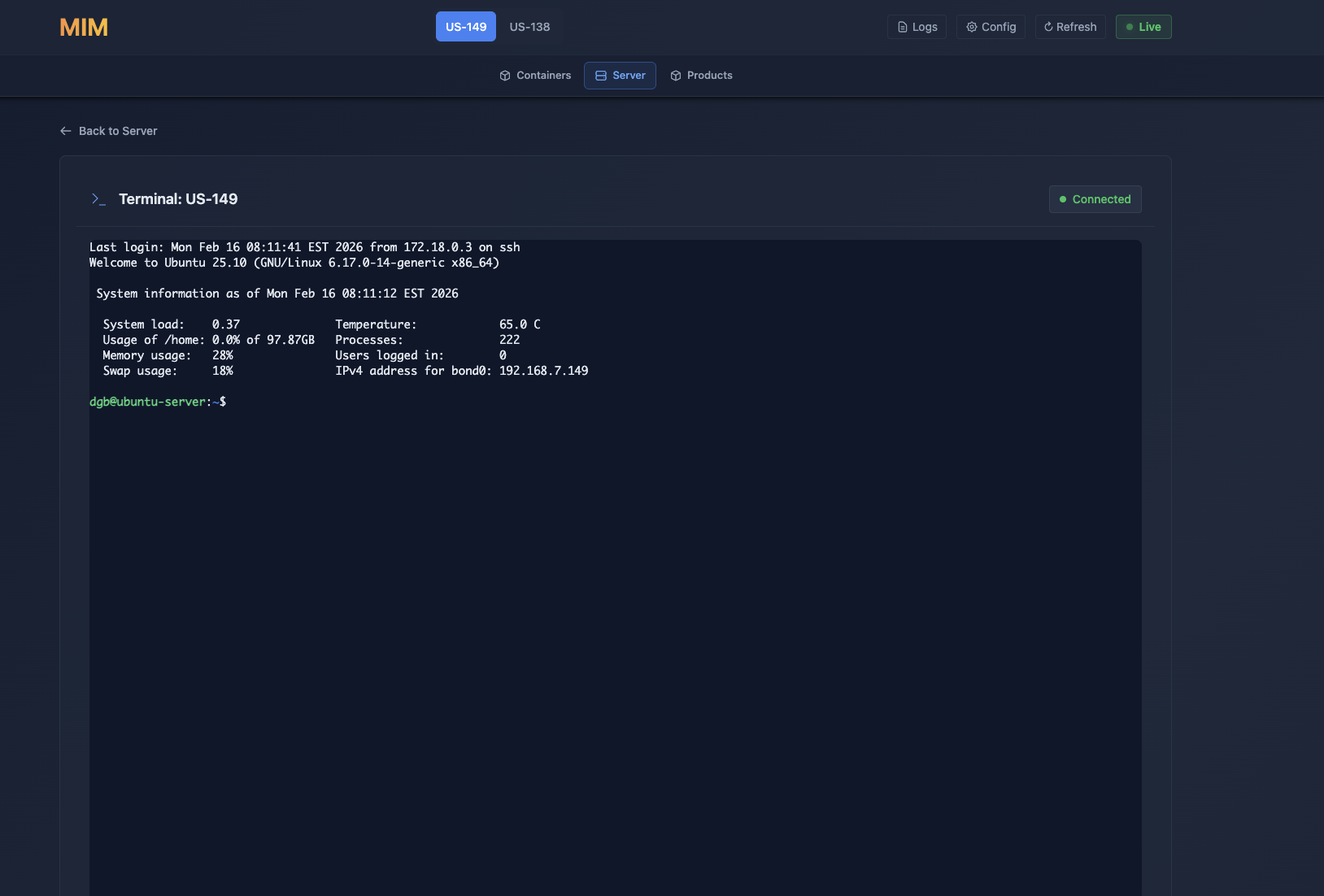
SSH-based web terminal for direct server access. No need to open a separate SSH client.
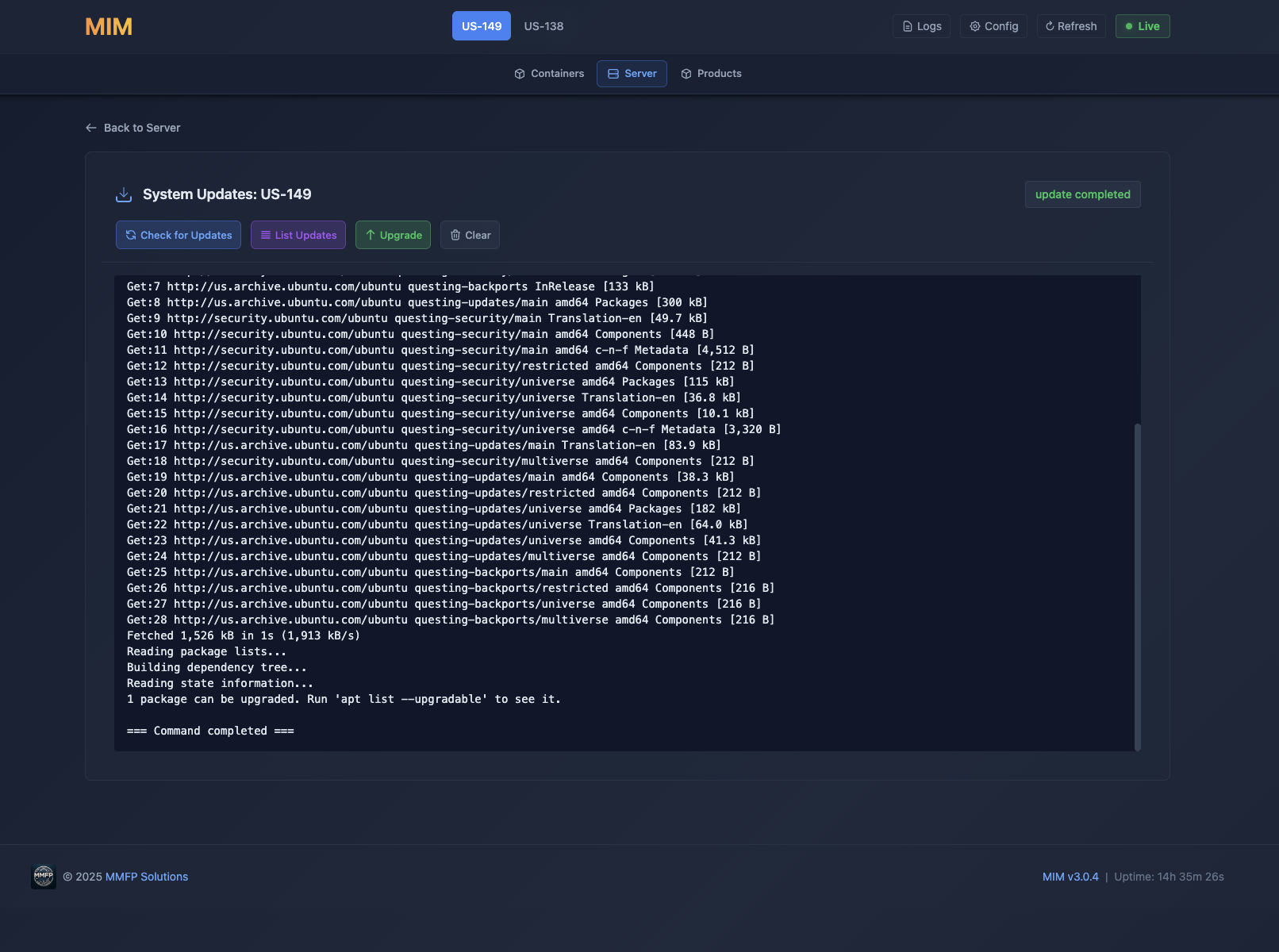
Check for and apply system updates from the web interface. Keep your Ubuntu server up to date.
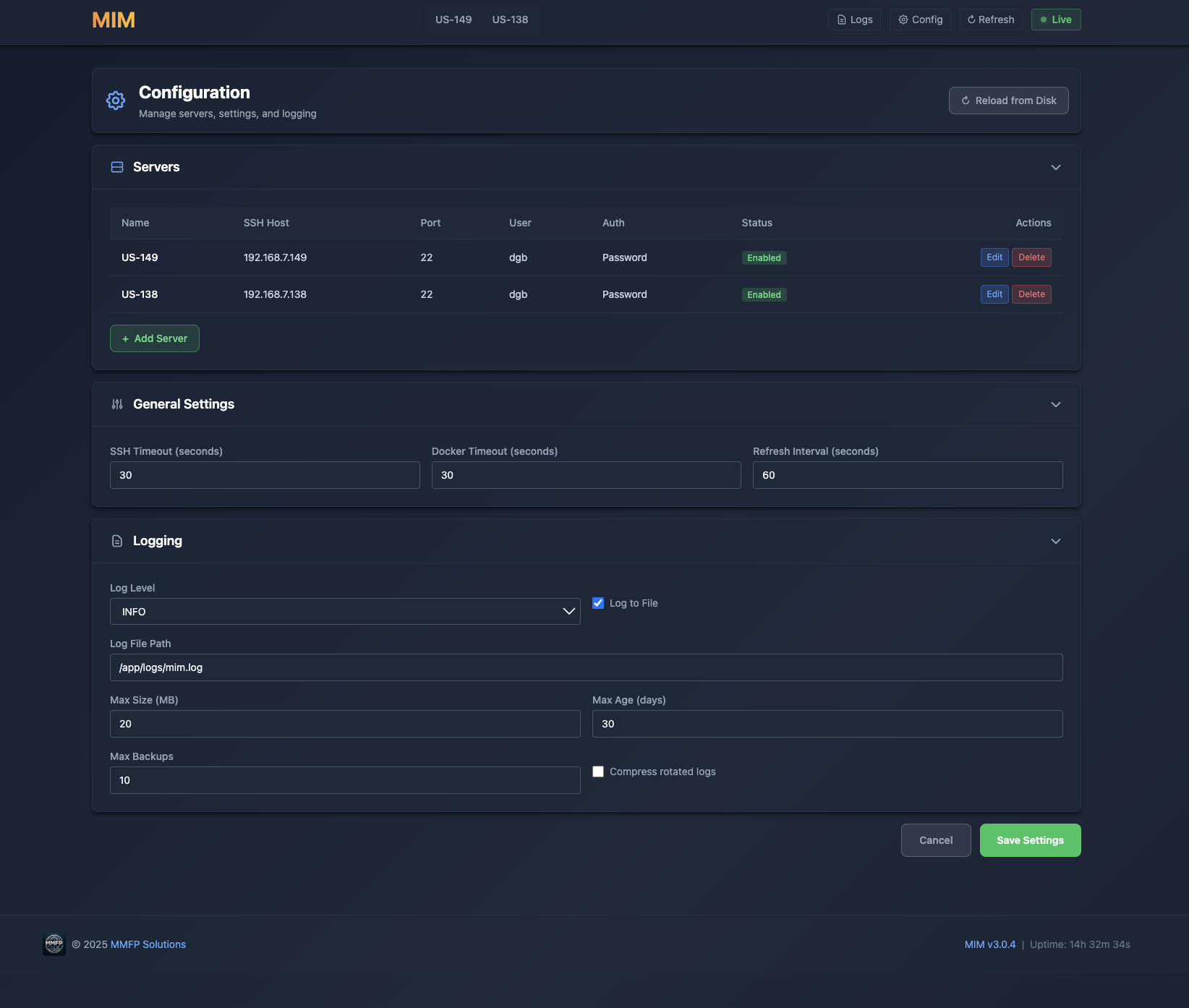
Edit configuration files for all MMFP products through the web interface.
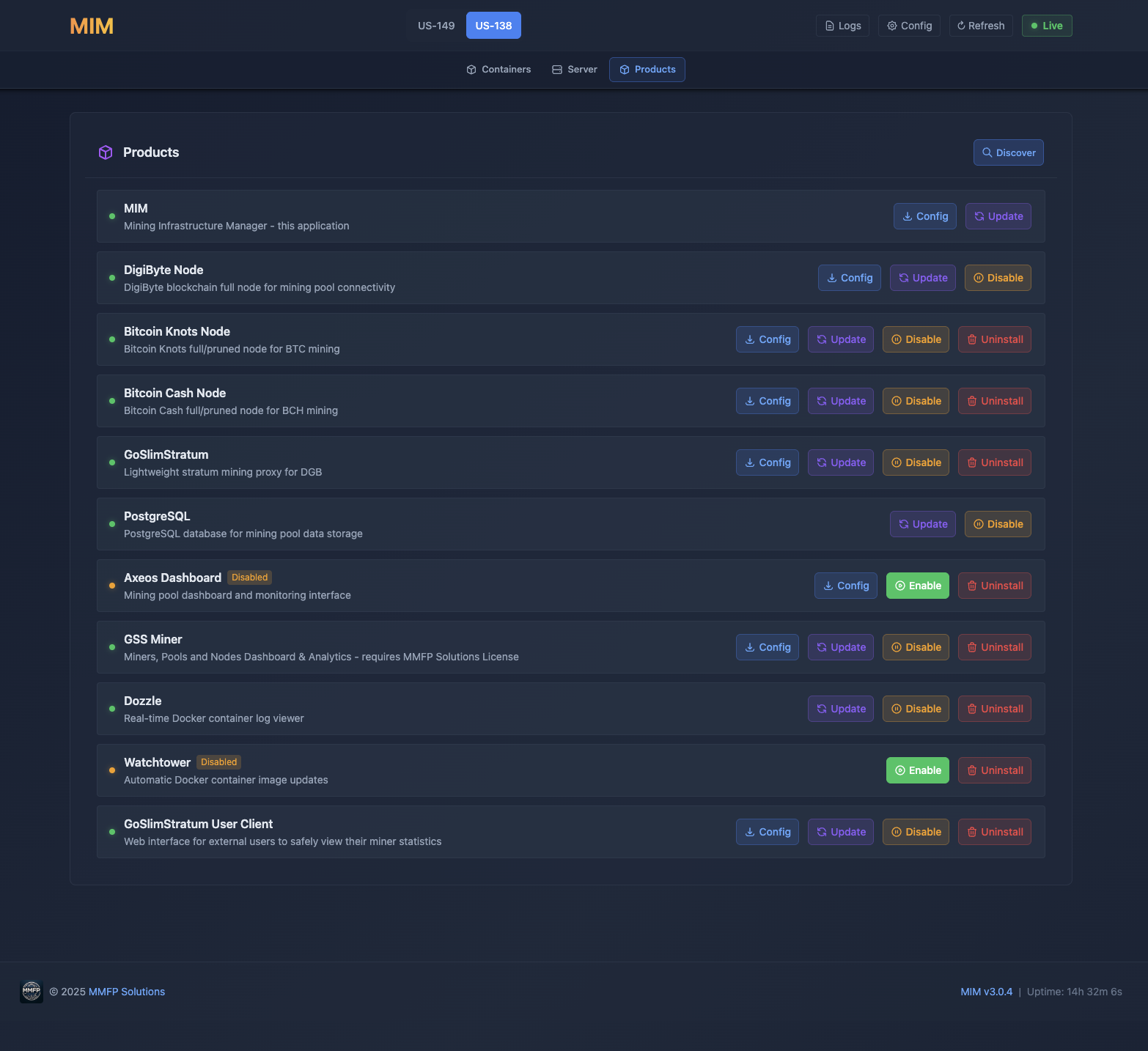
Manage installed MMFP products. View status, versions, and manage deployments.
Manage multiple servers from a single MIM instance via servers.json configuration.
Orchestrate multi-container deployments. MIM manages your docker-compose stack.
See MIM in action. Click any screenshot to enlarge.
Containers
Docker container management dashboard
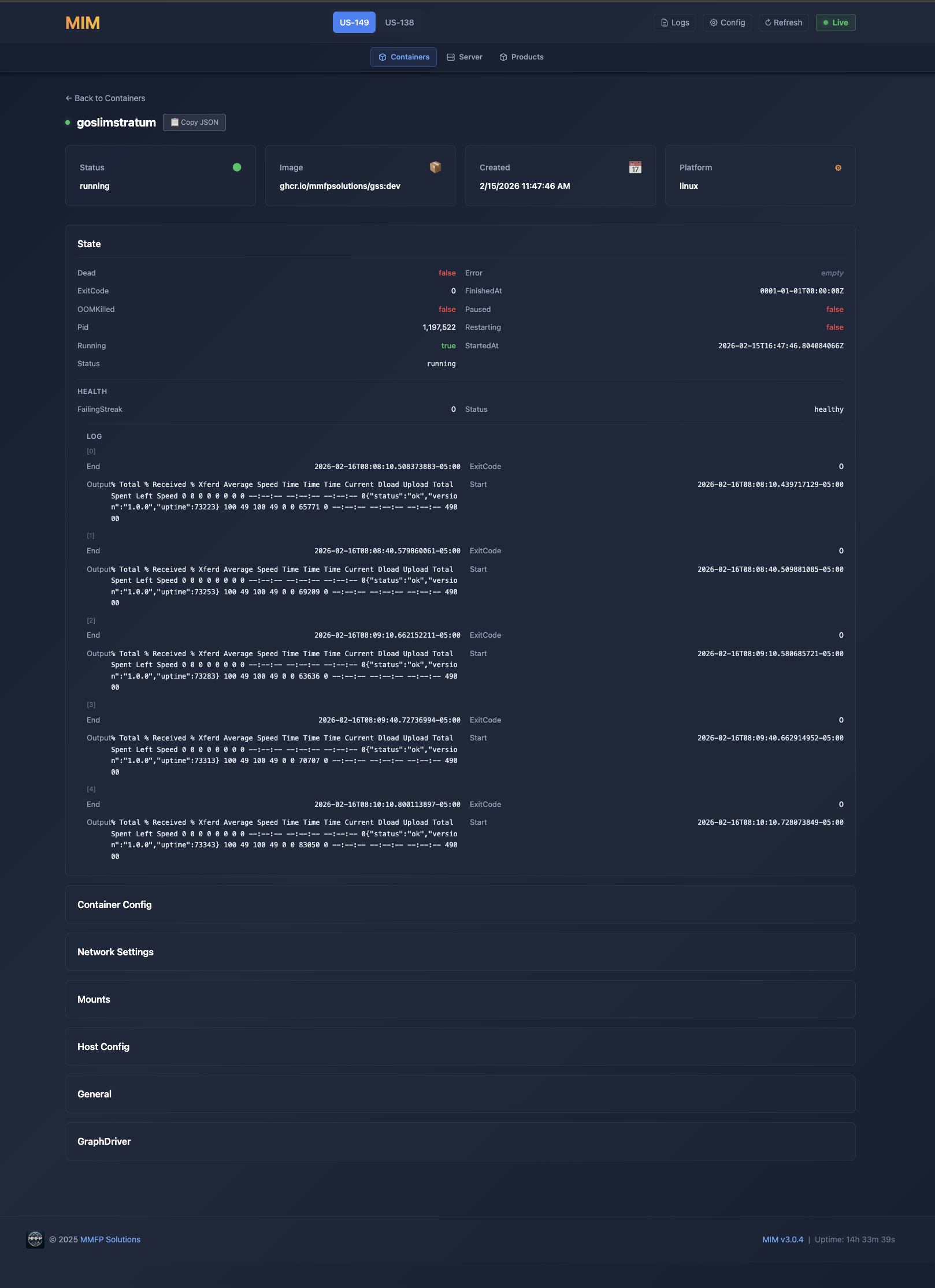
Container Inspect
Detailed container information
Container Logs
Real-time log streaming
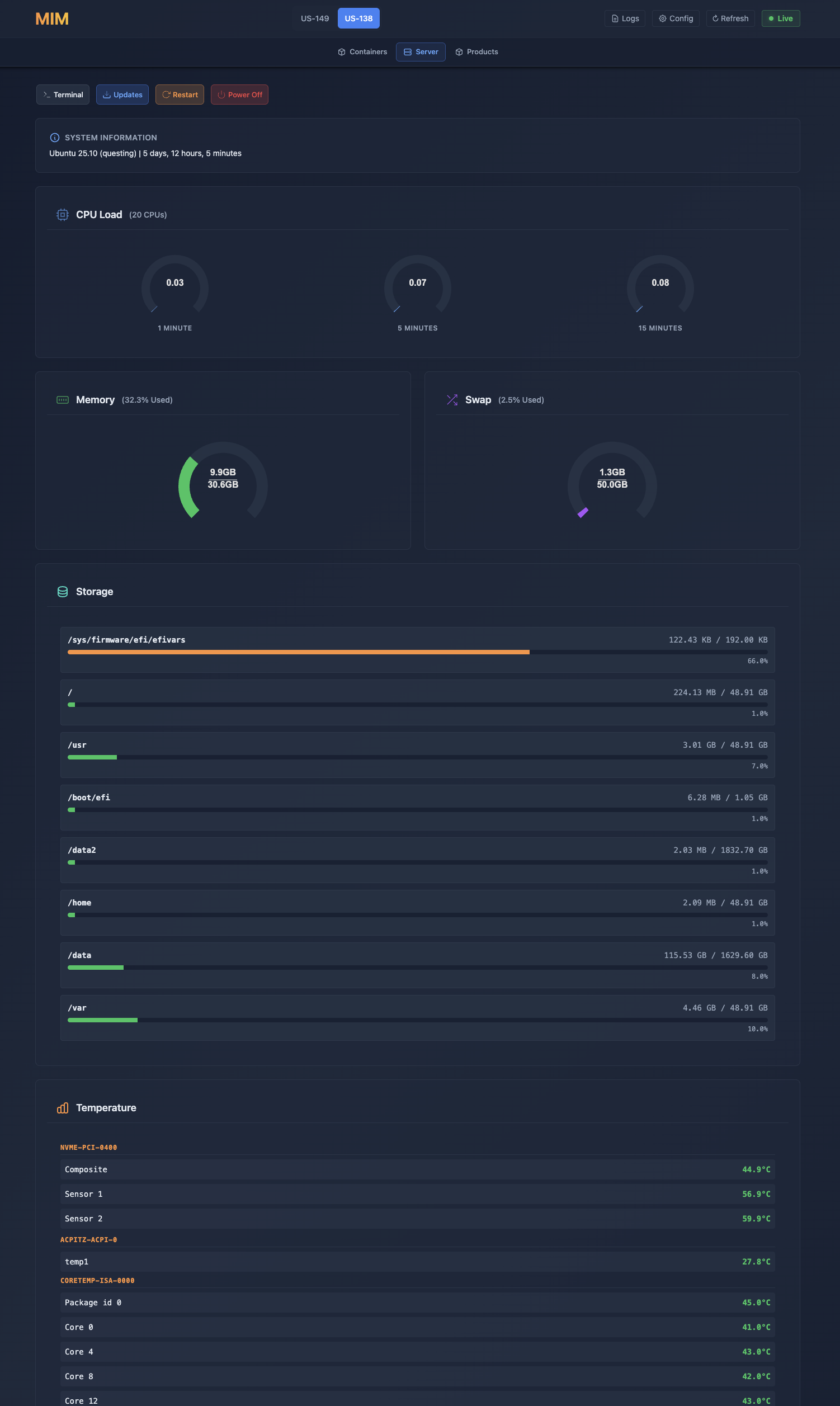
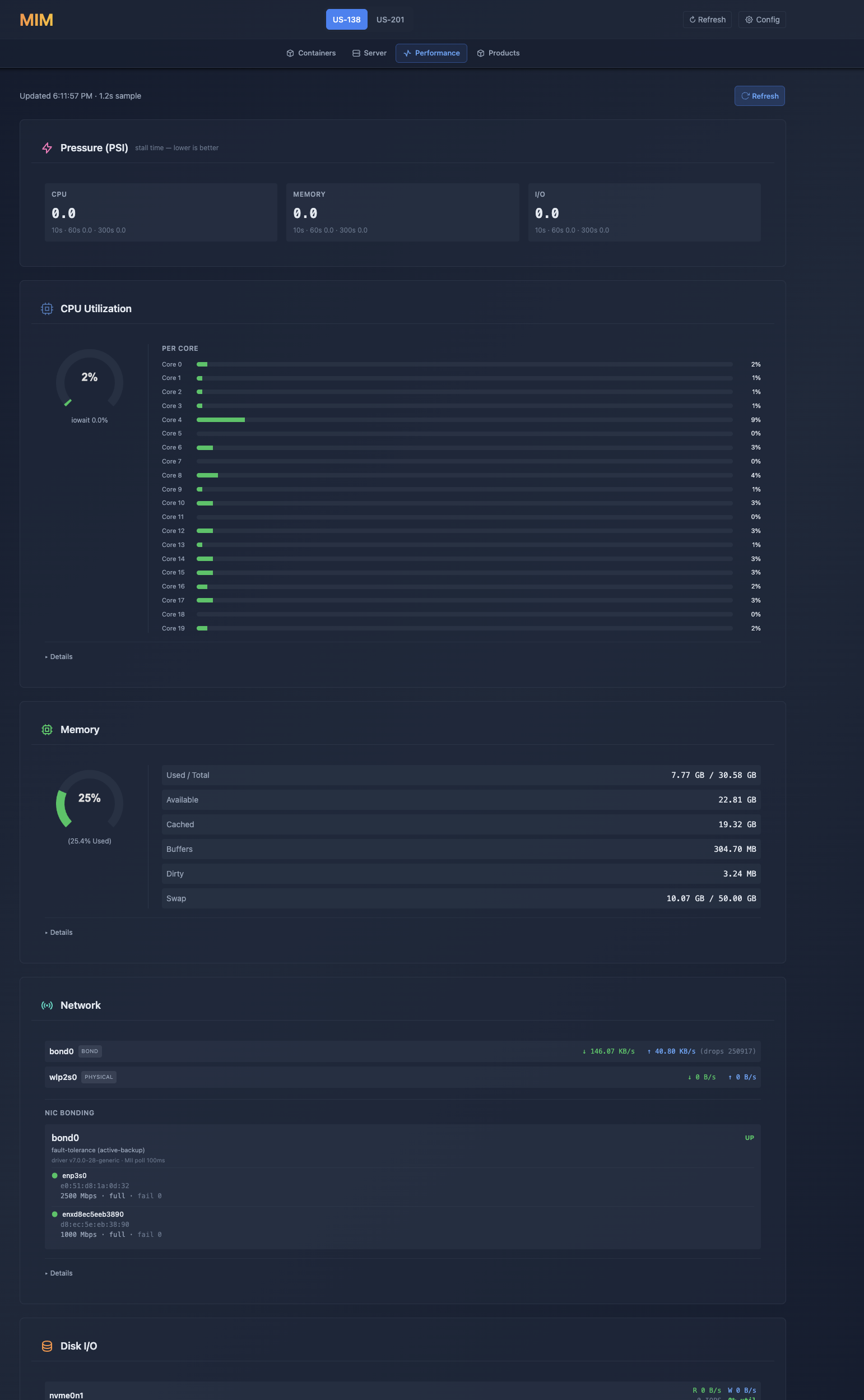
Server Status
System resource monitoring
Web Terminal
SSH access from your browser
System Updates
Keep your server up to date
Configuration
Edit settings through the web interface
Products
Manage installed MMFP products
Note: MIM is included in the CLI Installer.
View CLI Installer →Common questions about MIM.
Deploy MIM with the CLI Installer and manage your entire mining infrastructure from your browser.